Real-Time Platform
Live updates. Instant alerts. Always connected.
Push notifications keep everyone informed, live data sync means no stale screens, and offline mode keeps your crew productive even without signal.
Real-Time Notifications
Instant push notifications to your whole team
Your field crew and office staff receive instant push notifications the moment a job is assigned, updated, or completed. Customers get booking confirmations and appointment reminders automatically. Everyone stays informed in real time — no phone calls needed.
Live Data Refresh
Changes sync the moment they happen
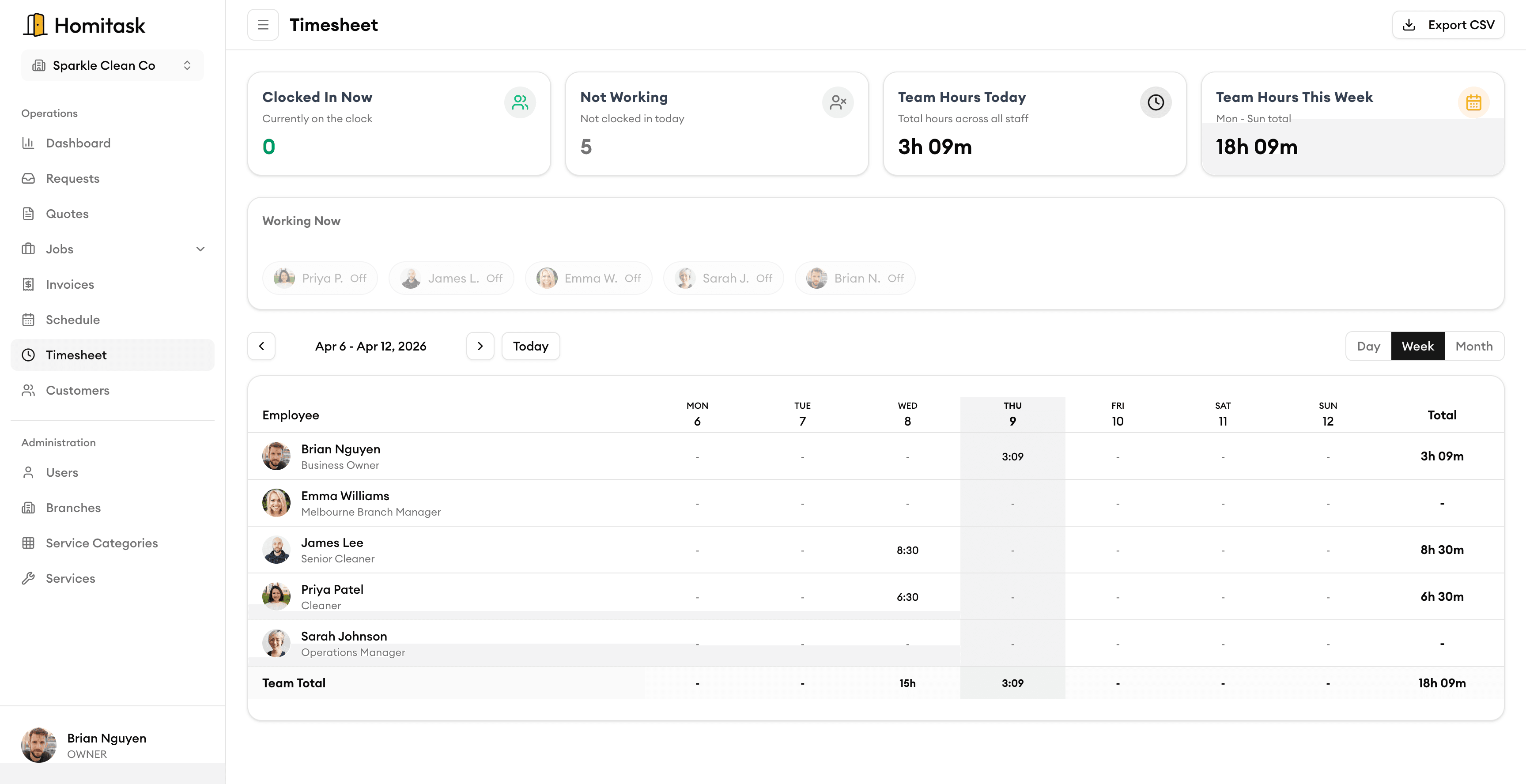
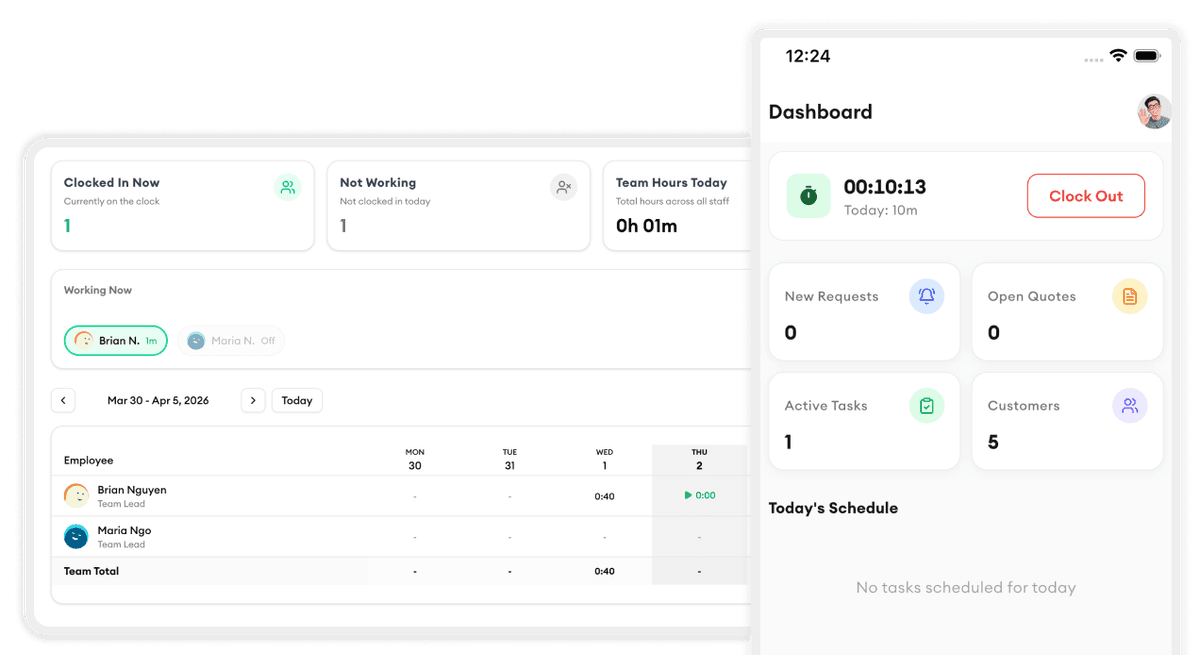
When a technician updates a job in the field, your office dashboard reflects it instantly. Whether your team is on a phone, tablet, or desktop, everyone sees the same up-to-date information. Edits on one device appear on all others within seconds.
Offline Access & Syncing
Keep working, even without a signal
Your crew can view schedules, access job details, clock in/out, and complete work even when there is no internet. Everything is saved locally and syncs automatically the moment they reconnect — no manual action needed.
What our customers say

“Quotes used to take us hours. Now I build and send them from my phone before I leave the property.”
Rachel B.
Office Manager
PrimeLawn Care

“We went from sticky notes to running a real business in one week. Homitask changed everything for our HVAC company.”
Ryan M.
Owner
ComfortAir HVAC

“Scheduling used to take an hour every morning. Now it takes five minutes and my crew gets notified instantly on their phone.”
Dana K.
Operations Manager
CoolBreeze HVAC

“The quoting feature won us three jobs in the first week. We send professional quotes from the job site before our competitors even pick up the phone.”
Marcus J.
Owner
ThermalPro Services

“Invoicing used to take our office half a day every Friday. Now it's done in minutes. Homitask pays for itself.”
Jennifer R.
Office Manager
AllSeason Air
More tools to grow your business
Ready to simplify your scheduling?
Stop wasting hours on paperwork. Start scheduling smarter and get back to growing your business.
Frequently asked questions
What types of notifications does Homitask send?
Push notifications to mobile devices for job assignments, status changes, and schedule updates. Email notifications for booking confirmations, invoices, and appointment reminders.
Does data sync across all devices?
Yes. Every change syncs instantly across phones, tablets, and desktops. Your team always sees the same up-to-date information regardless of which device they're using.
What happens when there's no internet connection?
Your crew can continue working normally — viewing job details, clocking in/out, and completing tasks. Everything saves locally and syncs automatically when the device reconnects.
Can I customise which notifications I receive?
Yes. Configure notification preferences per user so each team member only gets alerts relevant to their role.
Is there a free trial?
Yes. Homitask offers a 14-day free trial with full access to all features. No credit card required.