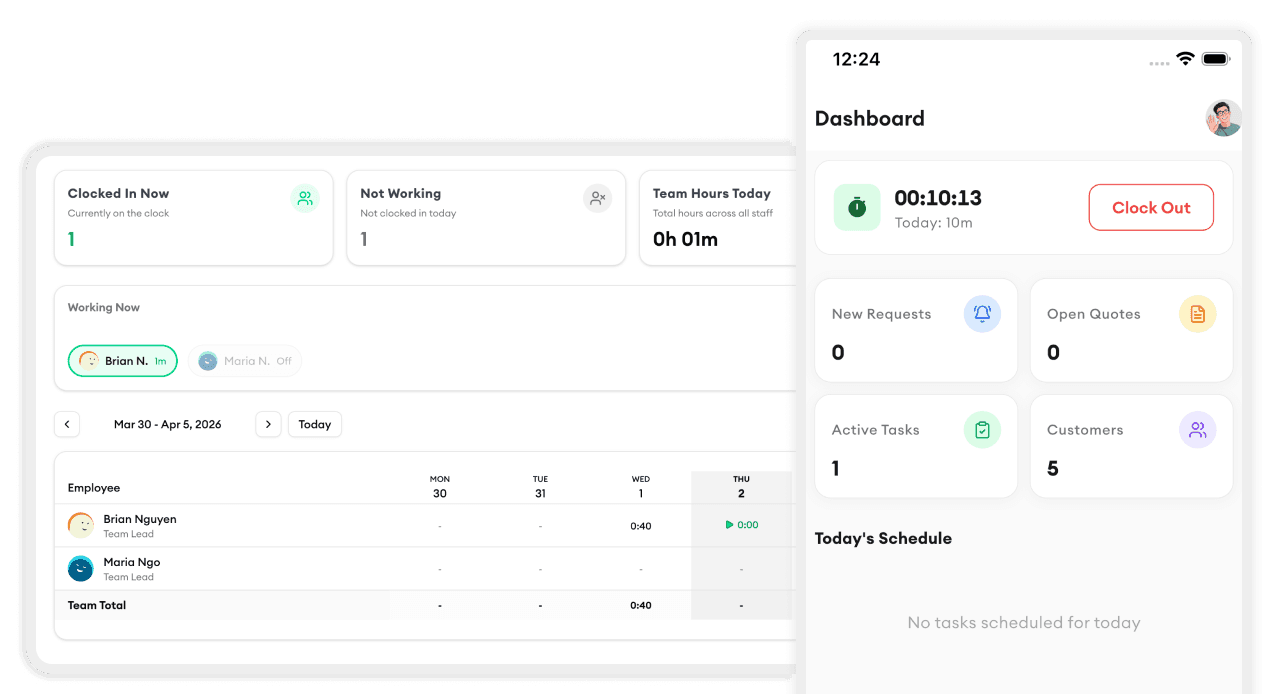
Spring is here, and so is a major round of updates. We've been listening to your feedback and building the features you've been asking for. Here's what's new.
Route Optimization
This is the big one. Homitask now automatically suggests the most efficient route for your daily jobs. Just open the day view, tap "Optimize Route," and we'll reorder your stops to minimize drive time.
Early testers are saving an average of 45 minutes per day in windshield time. That's real money back in your pocket.
Redesigned Mobile App
The field tech experience got a complete refresh:
- Larger tap targets for gloved hands
- Swipe to complete — mark jobs done with one gesture
- Offline mode — view your schedule and update job status even without signal
- Photo attachments — snap before/after photos directly from the job screen
The new app is available now on iOS and Android. It updates automatically.
Faster Invoicing
We cut the steps to create and send an invoice from five to two. When a job is marked complete, tap "Invoice" and it auto-fills the customer info, service, and amount. One more tap to send.
We also added support for partial payments and payment plans for larger jobs.
Team Availability Calendar
Your team can now set their own availability directly in the app. When you're scheduling a job, you'll see who's free at a glance — no more group texts asking who can work Saturday.
QuickBooks Online Sync
Homitask now syncs invoices and payments with QuickBooks Online in real time. No more double entry. Set it up once in Settings and your books stay current automatically.
These updates are live for all plans. If you have questions or feedback, reach out to our support team — we're always listening.